We ask almost every desk-working patient who comes in with back pain about their chair, and the answer is often revealing. Many people assume that any office chair, as long as it looks ergonomic, is doing its job. In reality, an improperly adjusted chair, even an expensive one, can actively contribute to the exact back pain it is supposed to prevent.
Here is how to tell whether your chair is part of the problem, and what to fix.
The Most Common Chair Setup Mistakes
Sitting Too Far From the Desk
If you find yourself leaning or reaching forward to type, your chair is likely positioned too far from your desk, or your armrests are preventing you from getting close enough. This forward lean flattens the natural curve of your lower back and shifts load onto your spine instead of your hips.
No Real Lumbar Support
Many office chairs advertise “lumbar support,” but the built-in curve often sits too low or too shallow to actually support most people’s spines. If you find yourself slouching by mid-morning even in a supposedly ergonomic chair, the lumbar support may not be doing its job for your particular body.
Seat Height Mismatched to Your Desk
If your seat is too low relative to your desk, you end up reaching up to type, which rounds your shoulders forward. Too high, and your wrists bend upward at the keyboard, which can contribute to strain beyond just your back. Your elbows should rest at roughly 90 degrees when your hands are on the keyboard.
Armrests That Push Your Shoulders Up
Armrests set too high force your shoulders into a shrugged position for hours at a time, which contributes to upper back and neck tension even if your lower back is well supported.
A Chair That Reclines Too Far Backward at Rest
A slight recline, around 100 to 110 degrees, is generally considered healthier than sitting bolt upright for extended periods. But a chair that has drifted into too much recline, especially without proper head and neck support, can create strain in a different direction, particularly at the base of the skull.
How to Fix Your Setup Without Buying a New Chair
You do not necessarily need an expensive new chair to fix most of these issues:
- Add a lumbar cushion or rolled towel if your chair’s built-in support is not reaching your lower back properly
- Adjust seat height first, then bring your desk or monitor to match, rather than the other way around
- Lower your armrests until your shoulders can rest naturally without shrugging
- Sit all the way back in the seat so the backrest can actually do its job, rather than perching on the front edge
When the Chair Is Not the Whole Story
Here is the piece that is easy to miss: even a perfectly set up chair cannot fix a spine that has already developed a misalignment or restricted mobility from months or years of poor positioning. Ergonomic changes prevent new strain, but they do not correct a joint that is already stuck.
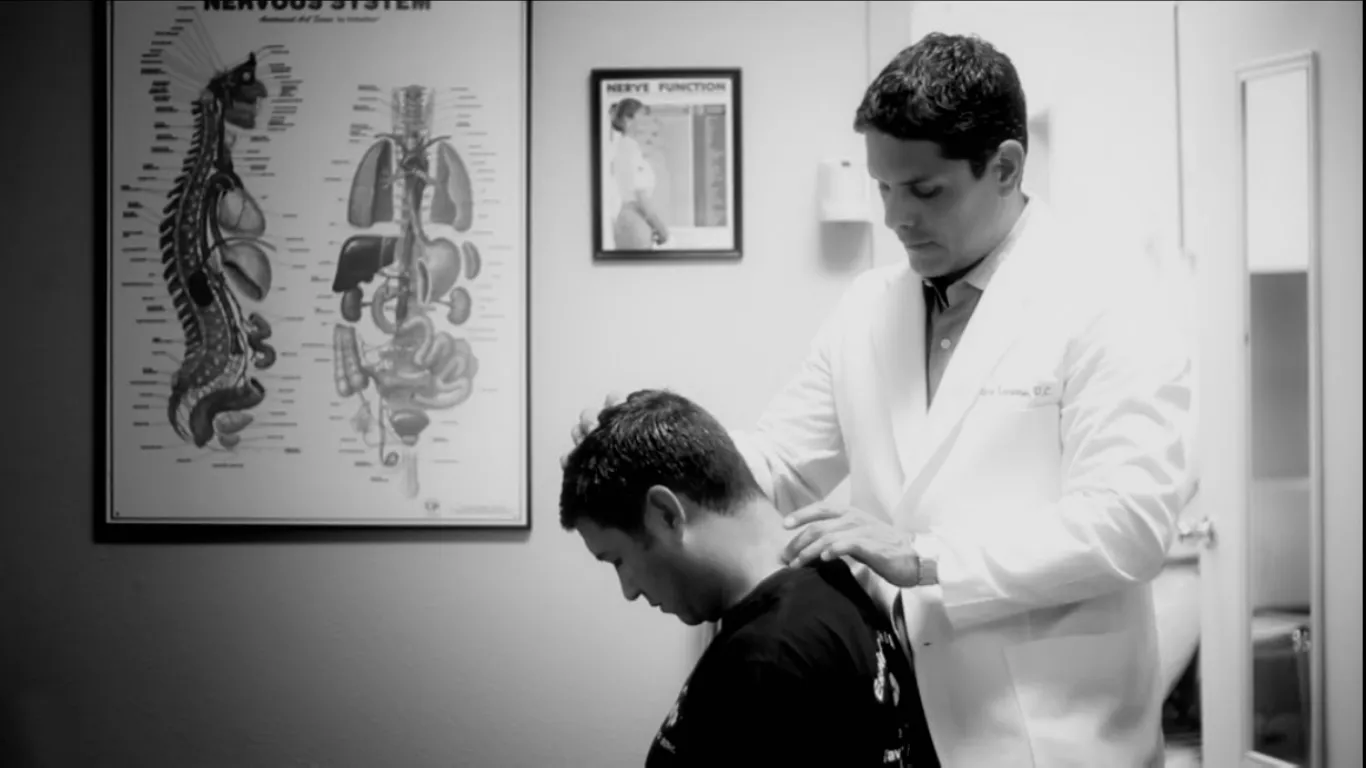
If you have adjusted your chair setup and are still dealing with back pain or the poor posture patterns that come from years of desk work, that is usually a sign the issue has become structural rather than purely ergonomic. Our chiropractic adjustments are designed to restore proper joint mobility in the spine, addressing what an improved chair setup alone cannot reach.
Standing Desks Are Not a Cure-All Either
It is worth addressing a common assumption directly: switching to a standing desk does not automatically solve the problems caused by a poor chair setup. Standing in one static position for hours creates its own strain, particularly on the low back and legs, if you are not alternating between sitting and standing throughout the day. The goal is variation in position, not simply replacing one static posture with another. A good rule of thumb is to change position, whether sitting, standing, or walking, every 30 to 45 minutes rather than committing to one setup all day.
The Combination That Actually Works
The most effective approach pairs a properly adjusted workstation with regular chiropractic care. The ergonomic changes reduce ongoing strain, while adjustments correct the misalignments that have already developed. Patients who do both tend to see faster, more lasting improvement than those who rely on either approach alone.
References
- Occupational Safety and Health Administration, Computer Workstations eTool, osha.gov
- American Chiropractic Association, Workplace Ergonomics, acatoday.org
Fix the Root of Your Back Pain
If you have already adjusted your chair and are still dealing with back pain, it is time for a spinal evaluation. Espinoza Chiropractic offers new patients a $97 first visit (a $297 value).
Call (512) 488-0786 or book your appointment online today.