Austin’s remote and hybrid workforce keeps growing, and so does the number of patients walking into our North and South Austin offices with back and neck pain that started at a kitchen-table desk. A spare bedroom corner or a dining chair pulled up to a laptop was never designed for eight hours of daily work, and the spine notices quickly.
The good news is that most home-office pain is preventable with a few deliberate changes. Here is a room-by-room way to think about it.
Start With the Chair, Not the Desk
Most home offices are built around whatever desk fits the space, with the chair as an afterthought. Flip that order. Your chair determines your pelvis position, and your pelvis position determines everything above it.
- Feet flat on the floor, knees at roughly 90 degrees
- A firm seat pan that supports your thighs without cutting off circulation behind the knees
- Lumbar support that fills the curve of your lower back — a rolled towel works if a dedicated cushion is not available
- Armrests low enough that your shoulders stay relaxed, not hiked up
If your current seating is a dining chair or a couch, that alone is likely a major contributor to the strain patients describe when they come in for back pain treatment.
Monitor Height and Distance
Looking down at a laptop screen for hours is one of the fastest ways to develop forward head posture, a pattern we see constantly in Austin’s tech and remote-work population. For every inch the head drifts forward of neutral, the neck effectively supports several more pounds of load.
- Raise the screen so the top third is at or just below eye level — a stack of books or a laptop riser works fine
- Position the screen about an arm’s length away
- Use an external keyboard and mouse if you are working off a raised laptop, so your hands are not reaching up
Lighting and Desk Depth
Glare causes people to lean forward or crane their neck to see the screen clearly, which compounds poor posture over the course of a workday. Position your desk perpendicular to windows rather than facing or backing into them, and make sure the desk is deep enough that your monitor sits at least 20 inches away.
Build in Movement
Even a perfect setup cannot offset eight hours of stillness. Static posture, even good static posture, still restricts blood flow and stiffens the joints of the spine. Set a recurring timer for every 45 to 60 minutes and stand, walk to another room, or step outside if you are near a trail like the ones around North Austin or South Austin.
Simple stretches that help between calls:
- Chin tucks to reset forward head posture — pull the chin straight back and hold five seconds, ten reps
- Standing back extensions — hands on your low back, gently lean back and look up
- Doorway chest stretch — forearms on the frame, step forward until you feel the stretch across your chest
When Setup Changes Are Not Enough
Ergonomic fixes address the environment, but they cannot correct a spine that has already developed misalignment from months of poor posture. If you have made these changes and are still dealing with a stiff neck by mid-afternoon, recurring headaches, or a dull ache between the shoulder blades, that is usually a sign of restricted joint mobility rather than a habit you can stretch your way out of.
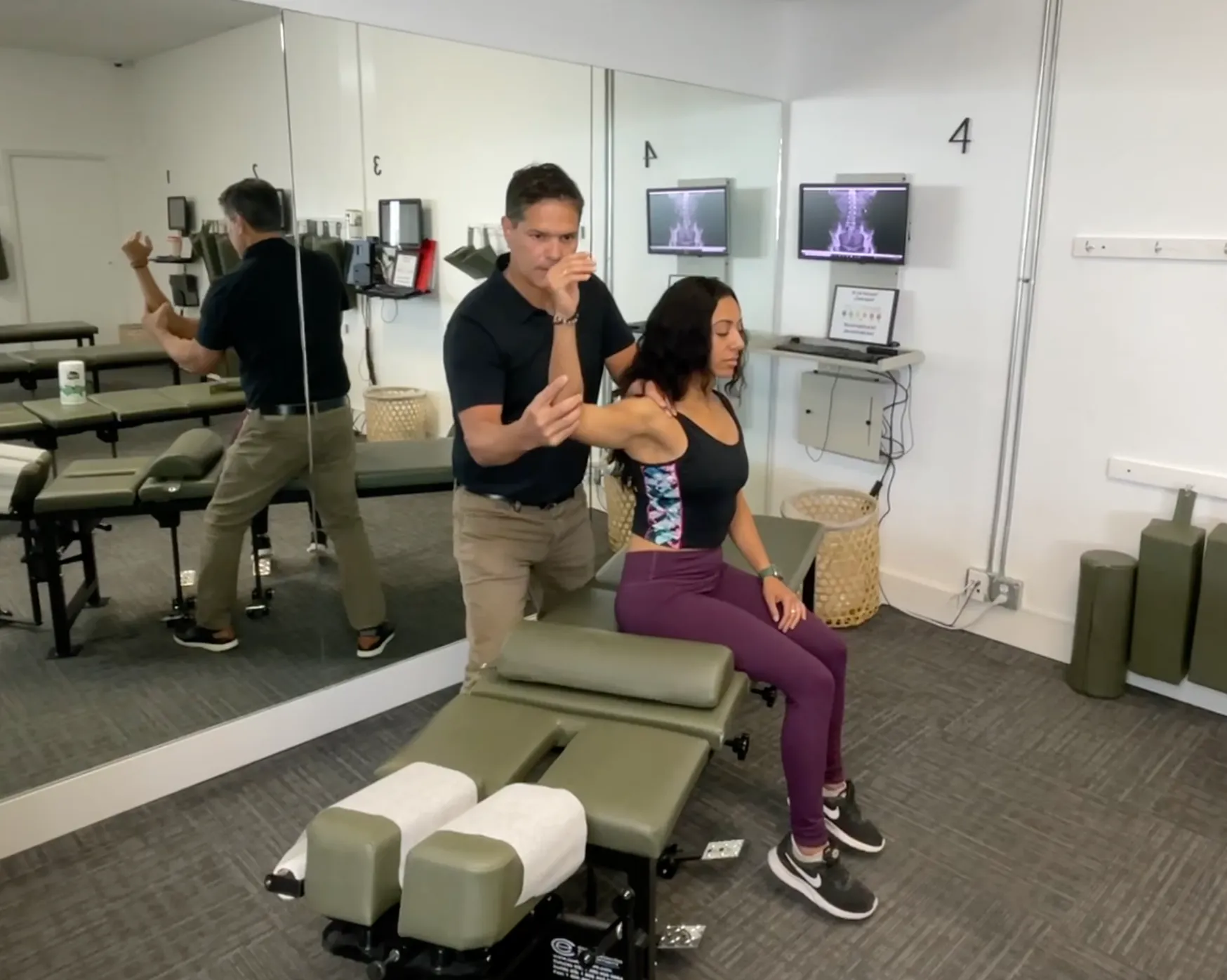
This is a pattern closely tied to poor posture, and it responds well to targeted chiropractic care that restores movement to the segments of the spine that have stiffened from sustained sitting.
Get a Baseline Check
If your home office is new, or your pain is new, do not wait for it to become chronic. A short evaluation can tell you whether you are dealing with a setup problem, a habit problem, or a spinal alignment problem — and often it is more than one at once.
Right now, new patients at Espinoza Chiropractic can get their first visit for $97 (a $297 value) that includes a full evaluation. Claim your new patient offer or book an appointment at our North or South Austin office and get your home office and your spine working together instead of against each other.
References:
- Mayo Clinic, “Office ergonomics: Your how-to guide” — mayoclinic.org
- CDC/NIOSH ergonomics guidance — cdc.gov/niosh/ergonomics